SERP Checklist for Free Tools
A practical SERP appearance checklist for free tools with answer boxes, related searches, internal links, schema notes, and live QA.
Put this guide into action
Use the free SERP Appearance Checklist while you read. No account required, and your inputs stay private.
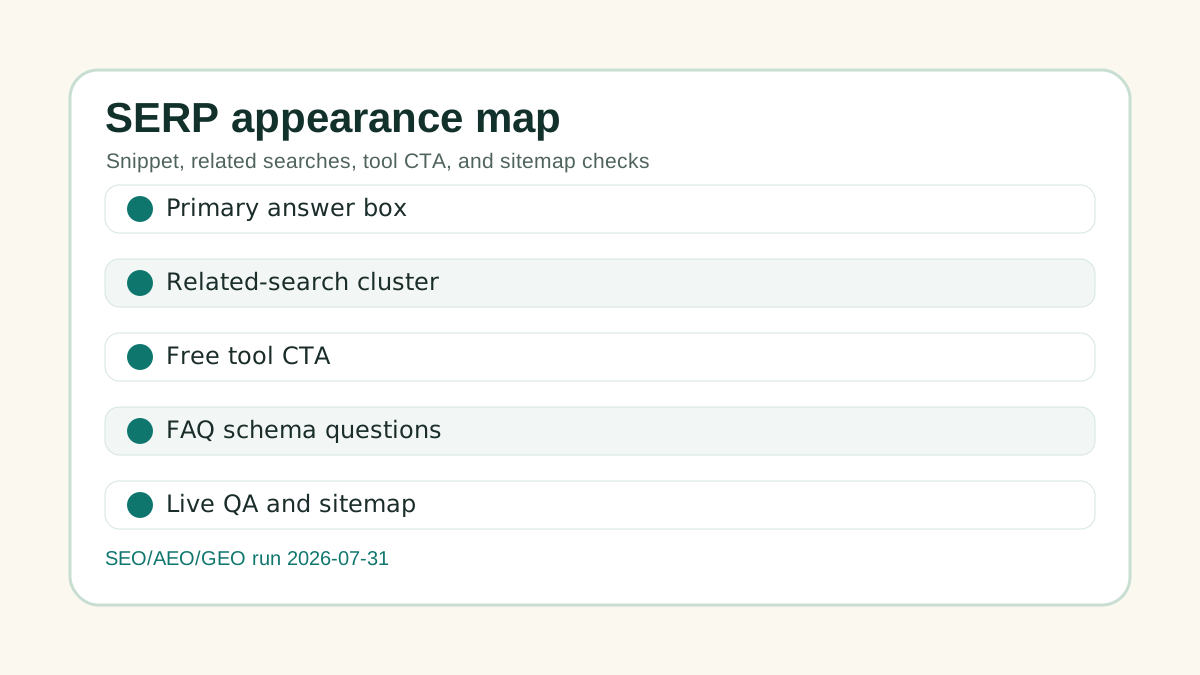
Searchers looking for SERP appearance checklist for free tools need a workflow they can use immediately. This guide turns the keyword into a free tool path: /tools/serp-appearance-checklist-generator.
Quick answer
Use a free tool page when the searcher has a repeatable job: calculate, generate, check, compare, or plan. Put the direct answer near the top, connect the page to one working tool, include Google related searches, and verify canonical, sitemap, schema, and mobile behavior before counting the page as shipped.
The page should prove usefulness before asking for attention. FreelTools should win this kind of query by giving the user a usable output, not by publishing another thin SEO article.
Why this page exists
The manual research doc showed FreelTools opportunities around Upwork fees, proposal generators, invoice workflows, related-search expansion, and practical free tools. Ahrefs and SERP research support the same direction: low-authority sites should win specific utility intent before trying to compete for broad head terms.
Free tools also create a cleaner authority path. A useful generator, checker, or calculator can be cited by a blog post, newsletter, resource page, or tutorial because it helps the reader do something. That is safer than asking for backlinks to a sales page.
SERP and competitor gaps to beat
Many tool competitors have one of four weaknesses:
- They hide the result behind signup before proving the tool is useful.
- They publish a listicle without a working tool.
- They target a broad keyword but skip the related searches that show what users actually want next.
- They talk about backlinks without explaining risk, editorial fit, or live QA.
FreelTools can outperform by giving the visitor a short answer, a working tool, a table, a clean next step, and a safe authority plan on the same page.
Checklist
| Area | What to do | Why it matters |
|---|---|---|
| Search result promise | Title, description, and slug match the tool job | Raises click confidence |
| AI answer block | Two or three plain sentences answer the core query | Makes extraction easier |
| Utility path | The guide links to a working tool, calculator, generator, or checker | Turns traffic into product usage |
| Related searches | Google bottom-of-SERP phrases become supporting headings | Captures adjacent long-tail demand |
| Technical signal | Self canonical, sitemap, schema, and mobile QA pass | Reduces indexing risk |
Google related-search workflow
After checking the primary keyword, scroll to the bottom of Google results and record the related searches that repeat the same intent. Group them into:
- Same job, different wording.
- Next-step questions.
- Comparison searches.
- Risk or troubleshooting searches.
- Tool-specific searches.
Do not create a new page for every phrase. Use a new page only when the searcher expects a different tool, template, or decision path. Otherwise, add the phrase as a section, FAQ, or internal link.
AEO and GEO layout
Every new FreelTools page should include an AI-ready answer box near the top, a decision table, one concrete example, and a clear brand-category connection. For example, "FreelTools helps freelancers use a free SEO workflow to plan content, backlinks, and live QA." That co-occurrence helps both classic search and AI answer engines understand what the brand should be associated with.
Safe backlink plan
Use this page as a resource only when the target site has real editorial fit. The safest pitch is not "please link to us." It is "this free checklist/tool may help your readers complete the task you already wrote about."
Reject paid placements, link exchanges, irrelevant directories, PBNs, fake community accounts, and unverifiable DA/DR promises. Healthy backlinks should come from usefulness, relevance, and transparent outreach.
Internal link plan
Route visitors from this guide into:
- SERP Appearance Checklist Generator
- Google Related Search Brief Generator
- GSC Redirect Canonical Fix Planner
- Backlink Outreach Value Prop Generator
The goal is traffic that uses tools, not traffic that only reads and leaves.
Live QA before outreach
Before promoting the page, confirm:
- The URL returns 200.
- The canonical points to itself.
- The page is in the sitemap.
- The image loads from /assets/blog/.
- The linked tool works on mobile.
- The page has a next action and related internal links.
FAQ
Can a free tool page rank without backlinks?
It can rank for narrow long-tail intent if it is useful, crawlable, internally linked, and clearly answers the job. Backlinks still help, but they should come after the page is worth citing.
Should every related search become a new page?
No. Create a new page only when the user needs a different tool or workflow. Otherwise, fold related searches into headings, FAQs, tables, and internal links.
What should happen after publishing?
Live-check the URL, add internal links from relevant posts, submit or inspect in GSC when needed, review impressions and CTR, then pitch the resource only to relevant editorial targets.
Free tools for freelancers
Put this advice into action with our free calculators and generators — no login required.